First, plan the day.
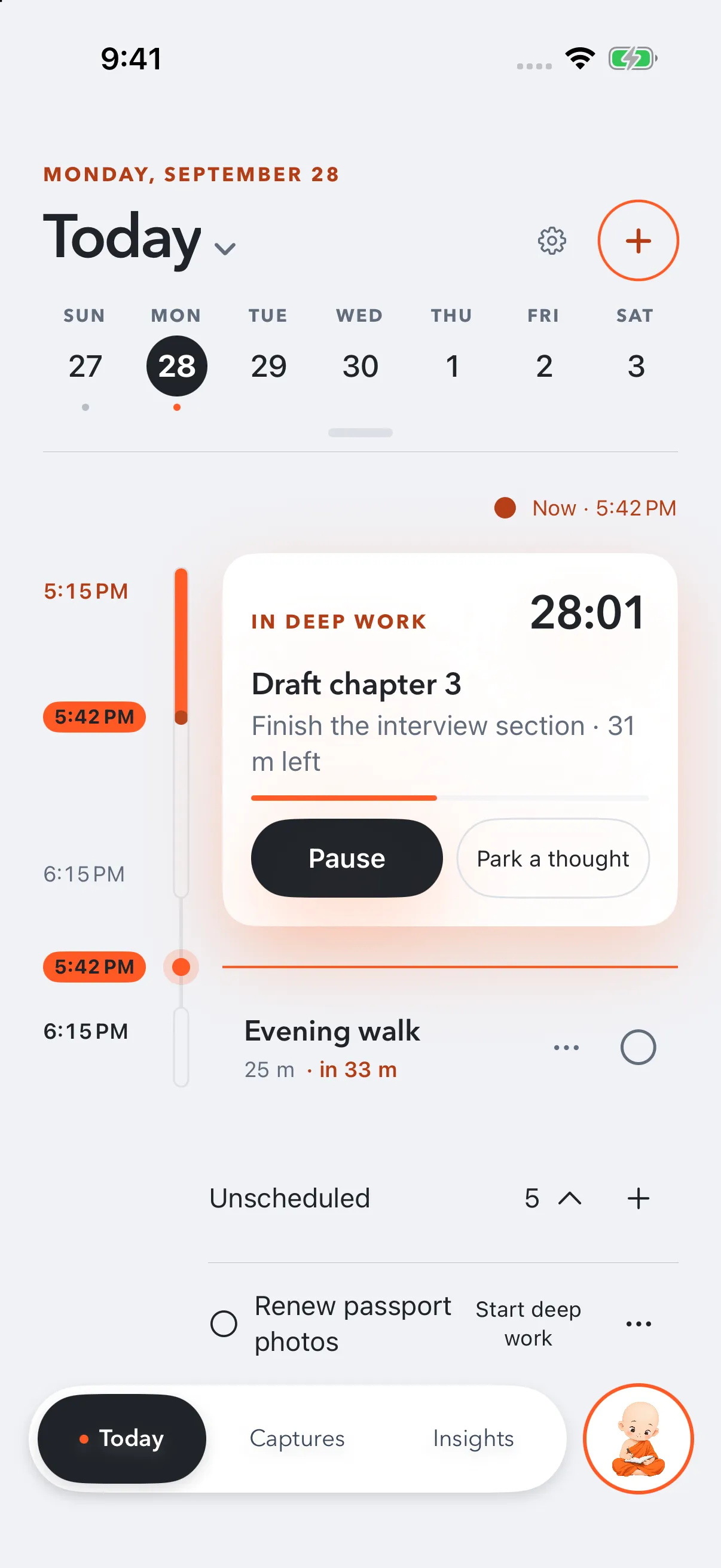
Tasks, focus blocks, Calendar events and Reminders sit on one timeline. When plans change, drag a block somewhere better.
A calm daily planner for iPhone, iPad, Mac and Apple Watch. Plan your day, then start the task you keep putting off.
Get Little Monk freeFree forever. No account needed.

Tasks, focus blocks, Calendar events and Reminders sit on one timeline. When plans change, drag a block somewhere better.
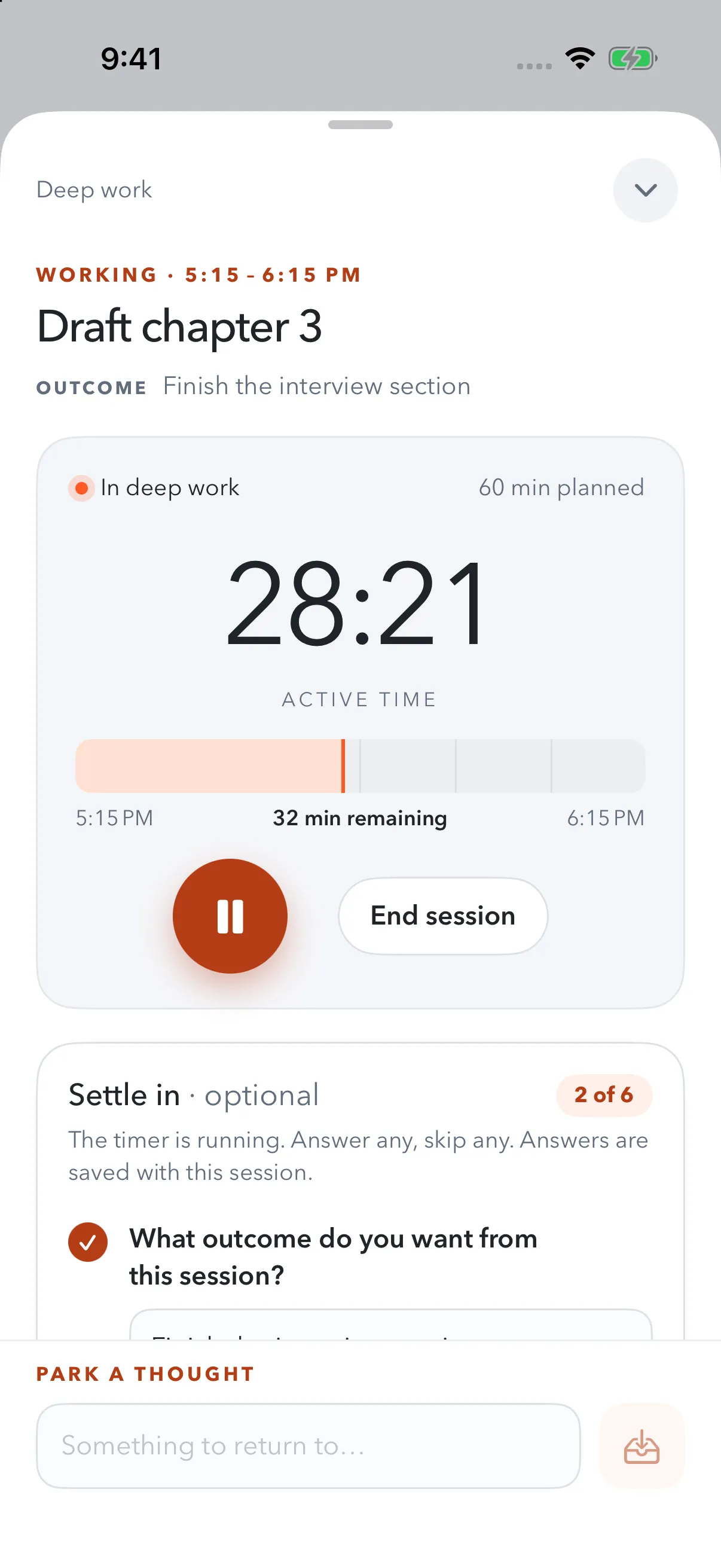
Name the outcome you want and the first tiny move. A big task gets smaller when you only have to start.
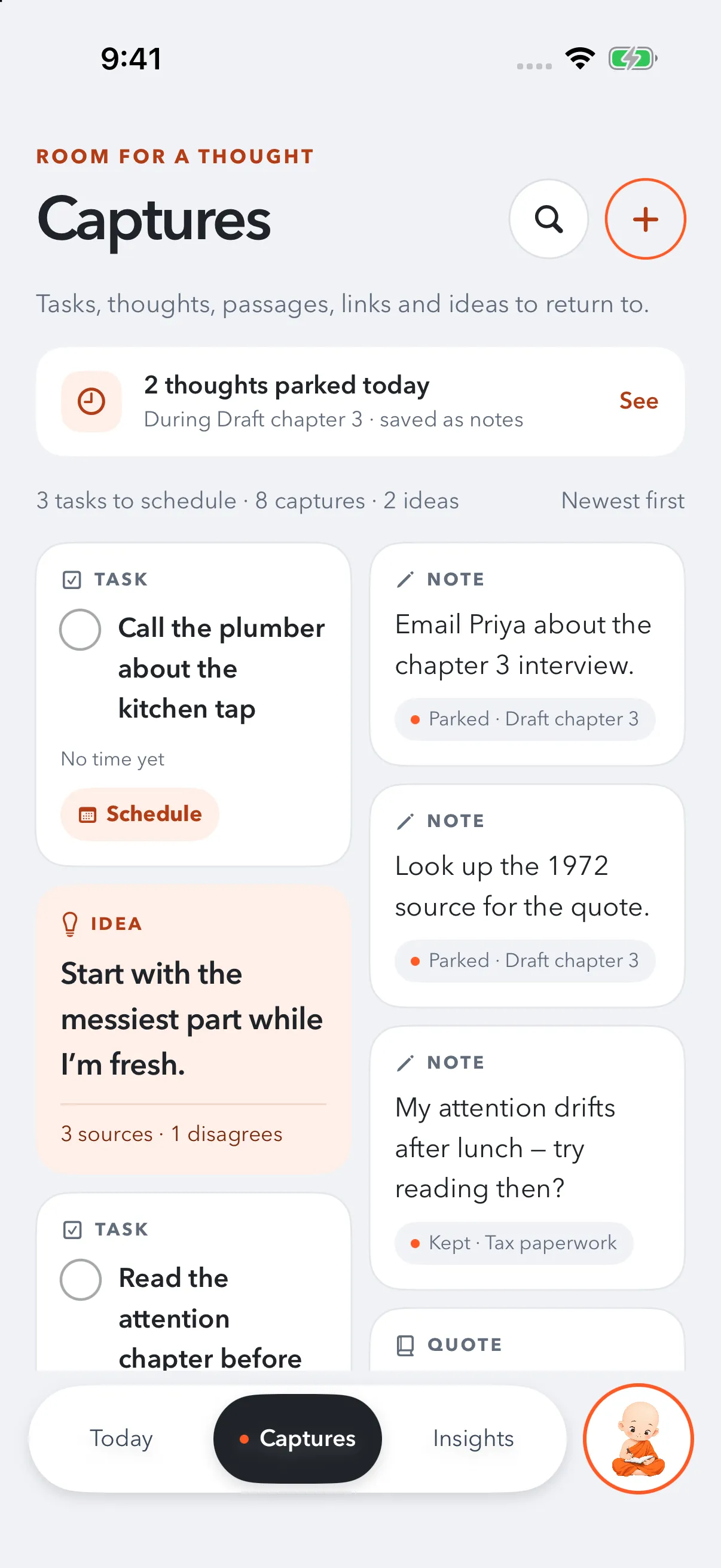
Jot it down in two seconds and go straight back. It waits in Captures, linked to the session it came from.
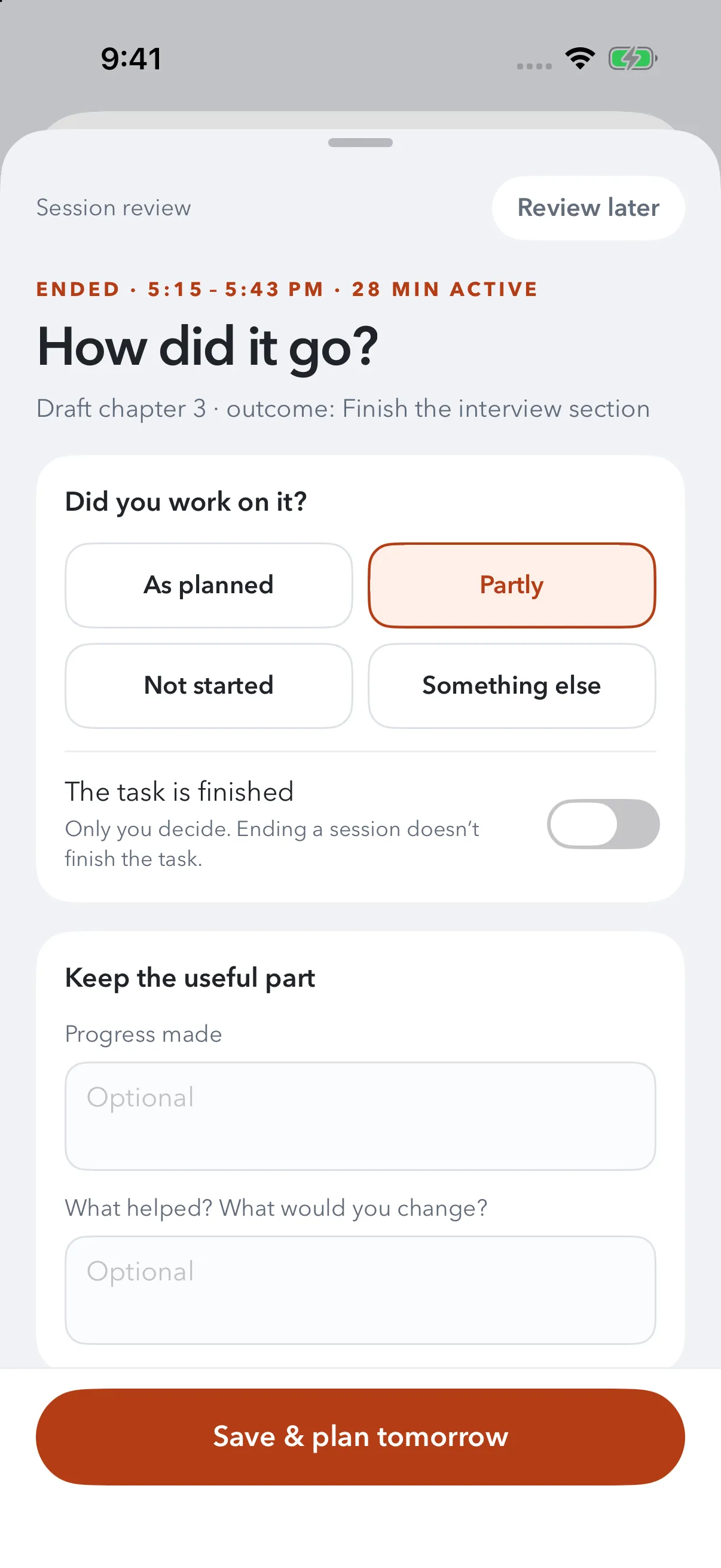
A minute of reflection shows what keeps you in flow. Ending a session never ticks the task off, and unfinished work moves only when you say so.
This sample runs on this page. Nothing you type is sent anywhere.
Your day, sorted
Anytime today
Is it another to-do list? No. A list holds tasks. Little Monk helps you start them: one outcome, a small first step, a focus session and a minute to reflect.
Does it block my apps? No, and it won’t pretend to. Before a session you choose what helps, like putting your phone face down. You stay in charge.
Will it change my calendar? Never. Events sit beside your plan and are not edited. A reminder changes only when you tick it or move it.
Do I need an account? No. Your plans stay on your device. Sign in only when you want Pro to keep your devices in sync.
Does it use AI? Only if you ask. It can turn a brain dump into a draft plan you check before anything is saved, using Apple Intelligence on your device. Pro adds a cloud fallback.
Which devices does it run on? iPhone, iPad, Mac and Apple Watch. The apps are free on all of them. Pro keeps iPhone, iPad and Mac in sync with one purchase.
What happens if Pro ends? You keep everything you wrote. Sync pauses and Insights locks until Pro is back.
Plan today, then start with one small step. Unfinished is fine.
Free forever on iPhone, iPad, Mac and Apple Watch.
Get Little Monk free